Initial Release: Sui CLI Web - Built for First Movers
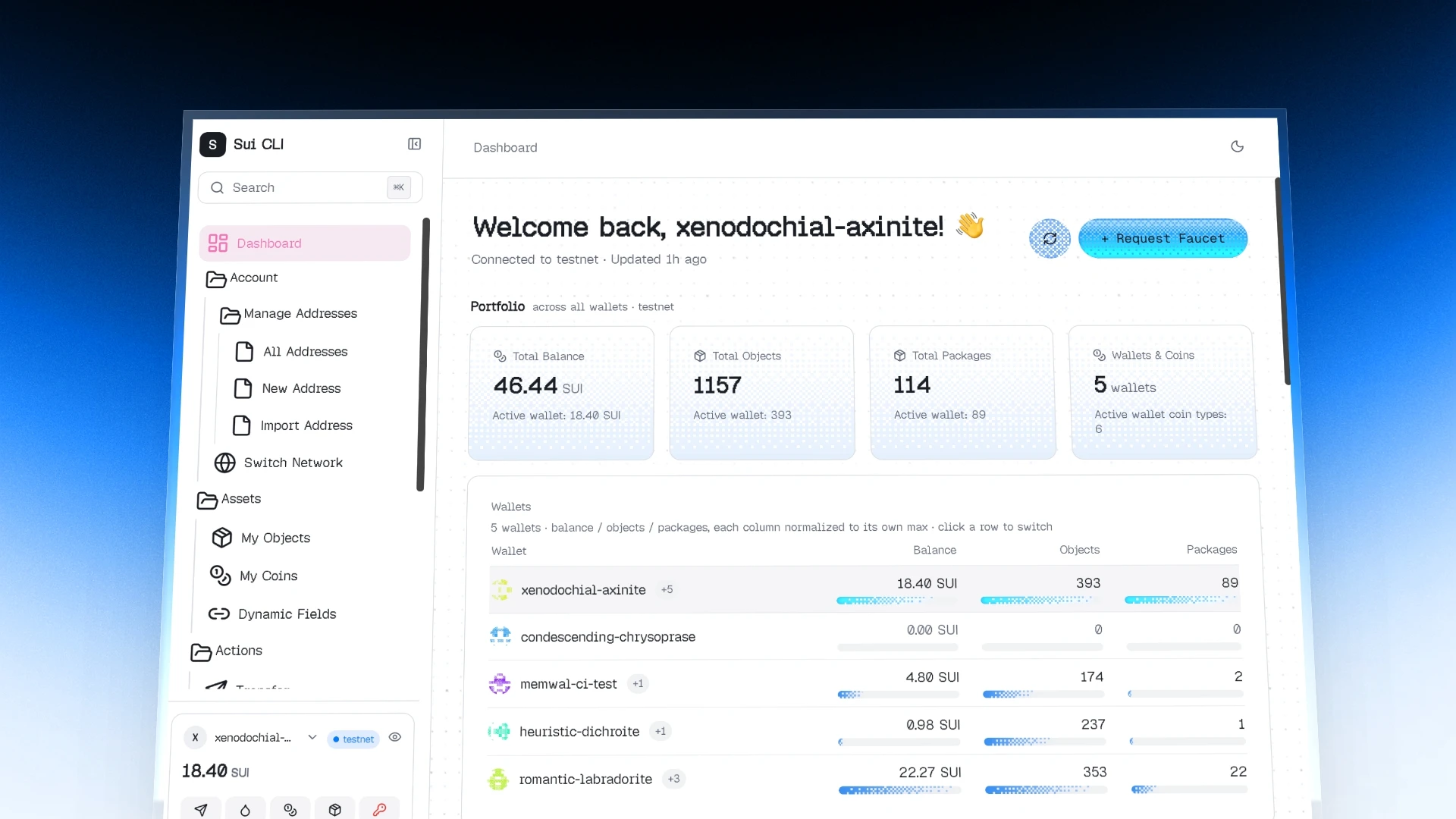
Highlights
- Keyboard-First Interface: Built for speed with command palette navigation and a dense terminal aesthetic.
- Full Sui CLI Parity: Address management, SUI transfers, coin splitting, and Move package execution.
- Keys Never Leave Your Machine: The UI talks to a local server that shells out to the Sui CLI you already trust.
Welcome to Sui CLI Web
We launched Sui CLI Web to give Sui developers the interface the CLI deserves - the raw power of the Sui CLI behind a dense, keyboard-driven Web UI. Nothing is hosted on your behalf: the browser talks to a server running on your own machine, and your private keys stay in your local Sui config.
Improvements
- Monochrome interface: the landing page and setup flow read their colours from the theme tokens instead of hard-coded accents.
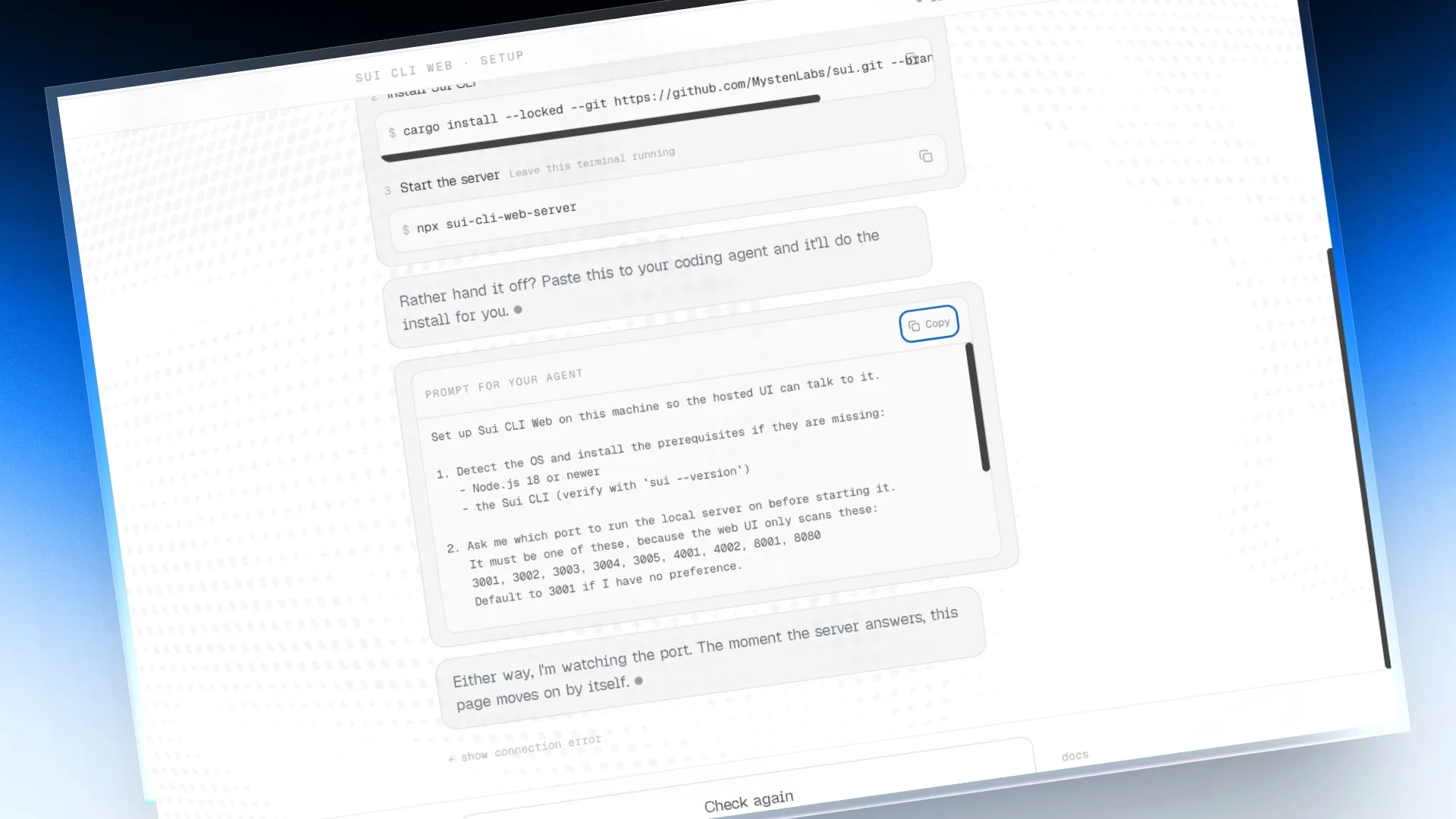
- Setup is a single transcript rather than two full-screen states, so a machine that connects mid-setup is told about it instead of having the screen swapped out.
- A copyable agent prompt installs the prerequisites, asks which port to use, starts the server and verifies it - alongside the manual commands.
- Pressing "Check again" with nothing listening replies with guidance that escalates across attempts, instead of repeating one line.
- A boot error renders an error state with a reload button rather than a silent blank page.
- The hosted origin is read from the platform environment, so the deployed build no longer needs its own domain hard-coded into the allowlist.
Bug fixes
- Every asset on the hosted build came back 500: the CORS allowlist did not include the domain the server itself runs on, and module scripts marked crossorigin send an Origin header even same-origin.
- A refused origin was reported as a 500. An access decision is not a server fault, and the stack traces were flooding the log pipeline.
- Light mode rendered white-on-white across the landing page and setup flow.